 SpotBack
Find your way back.
SpotBack remembers your hotel room, parking spot, locker and seat. Snap a photo, and it reads the number for you. When you no longer need it, SpotBack clears it on its own.

Everything you always forget
How it works
Snap it
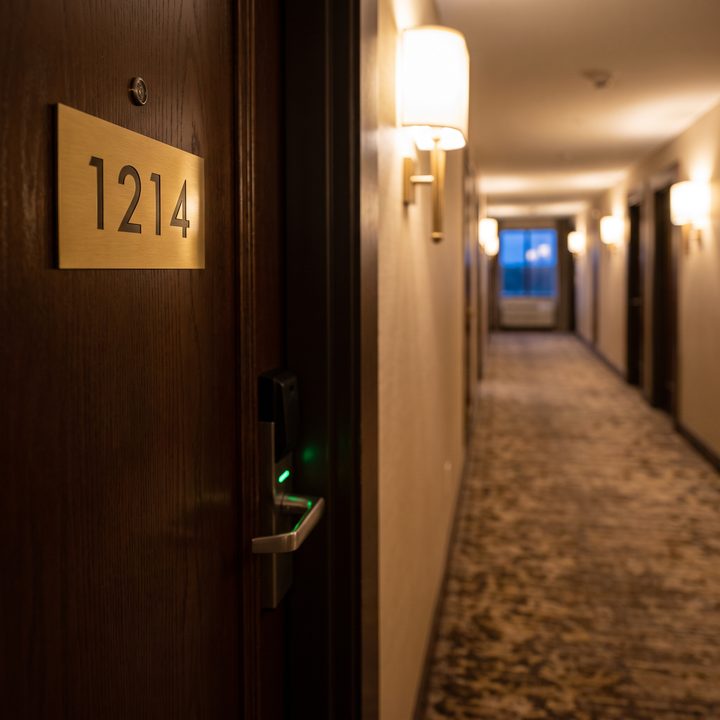
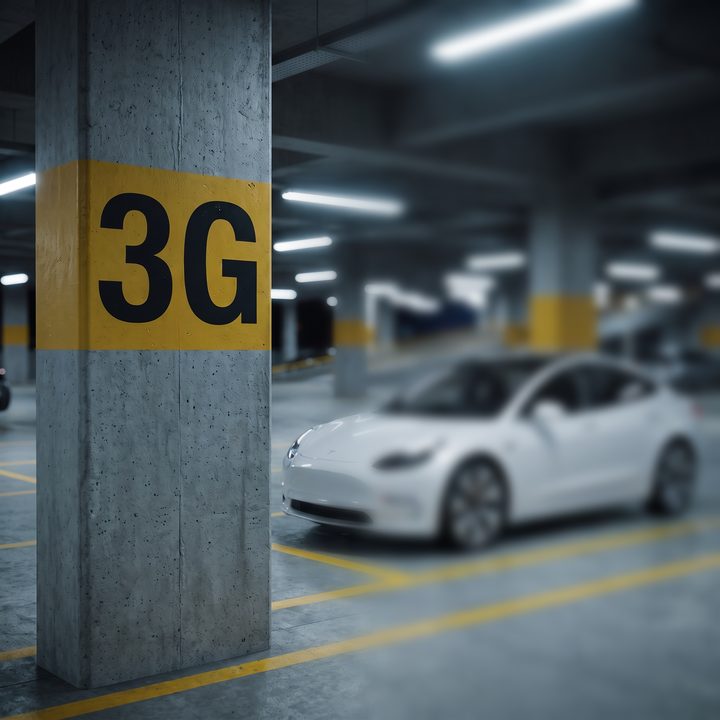
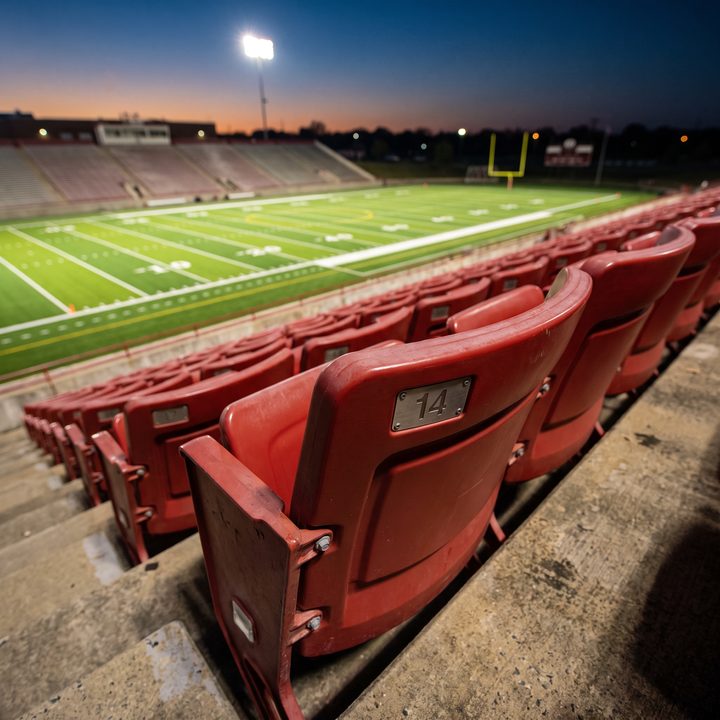
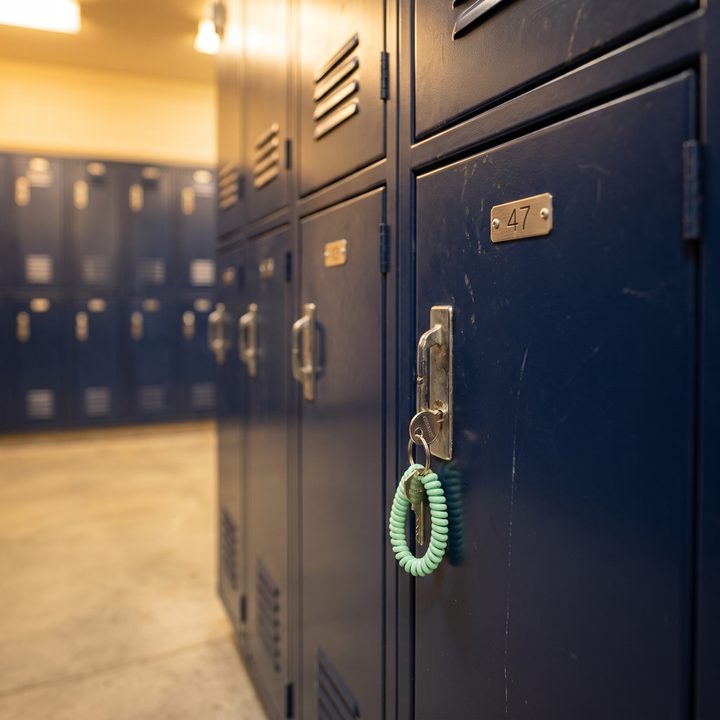
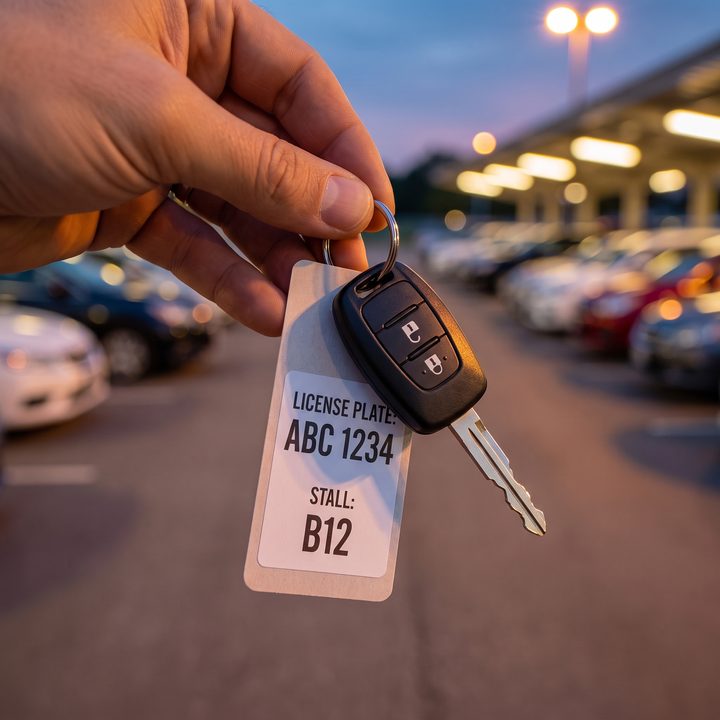
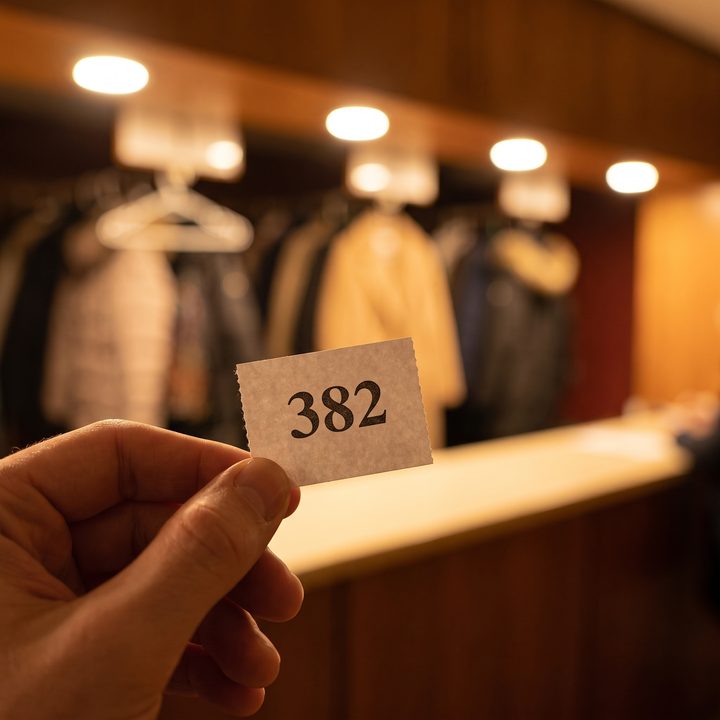
Snap the paper sleeve your hotel key card came in (where the front desk wrote your room number) or the number on your door, a parking pillar, a locker tag or a ticket. SpotBack reads the room, level, locker or section, row and seat.
See it at a glance
Your spots show on the Home screen, on lock-screen widgets and on your Apple Watch. Lockers get a live countdown.
Walk back
Tap Walk me back and Apple Maps gives walking directions to where you parked.
Forget it later
Rooms clear at checkout, everyday parking the next morning, and seats after the event. Airport parking stays until you're back.
Share with family
Text everyone their room number, or send your parking spot with walking directions, in two taps.
Meter reminders
Street parking? Set the meter time and get a countdown on your lock screen, plus reminders at 15 and 5 minutes.
Just ask Siri
Hands full? Save your room, parking or seat by voice, and ask Siri where you parked. No need to open the app.
Your hotel's name, filled in
SpotBack names the hotel, airport or stadium you're at, so you see "Room 1214 · Hilton Garden Inn", not just a number.
Works with Siri
Say these to Siri, or add them to the Action Button, Control Center or Shortcuts:
| "Save my parking in SpotBack" | Siri asks where you parked and saves it with your location. |
|---|---|
| "Where did I park in SpotBack?" | "You parked at Level 3, G, at MCI Airport." |
| "Walk me back with SpotBack" | Opens Apple Maps with walking directions to your car. |
| "Save my room in SpotBack" | Siri asks for the room number and keeps it until checkout. |
| "What's my room number in SpotBack?" | "You're in Room 1214 at the Hilton Garden Inn." |
| "Save my seat in SpotBack" | Siri asks for the section, row and seat. |
| "Mark where I parked in SpotBack" | Saves your location instantly, no questions. Set it to run on its own when you leave CarPlay (see how). |
When things clear
| Hotel room | Checkout day at noon (you pick the number of nights) |
|---|---|
| Parking | 6 AM the next morning. At airports, train stations and cruise ports: until you're back. |
| Locker | After 4 hours, with a countdown on your lock screen |
| Seat | 4 hours after the start time on the ticket, or at the end of the day |
You can extend or clear anything early. Cleared items wait in History for 7 days in case you need them back.
Private by design
Free
SpotBack is free, with everything included: as many spots as you need, lock-screen and home-screen widgets, the live locker countdown and the Apple Watch app. No account, no ads.